Your stock up to date on your phone: what comes in, what goes out and what's running low, without notebooks or spreadsheets.
Every morning: what's expiring and what's running low.
Your business
Try it as a pastry shopNo email · with sample products A question? WhatsAppEarly access: the demo is open to everyone; accounts open one business at a time, write to us.
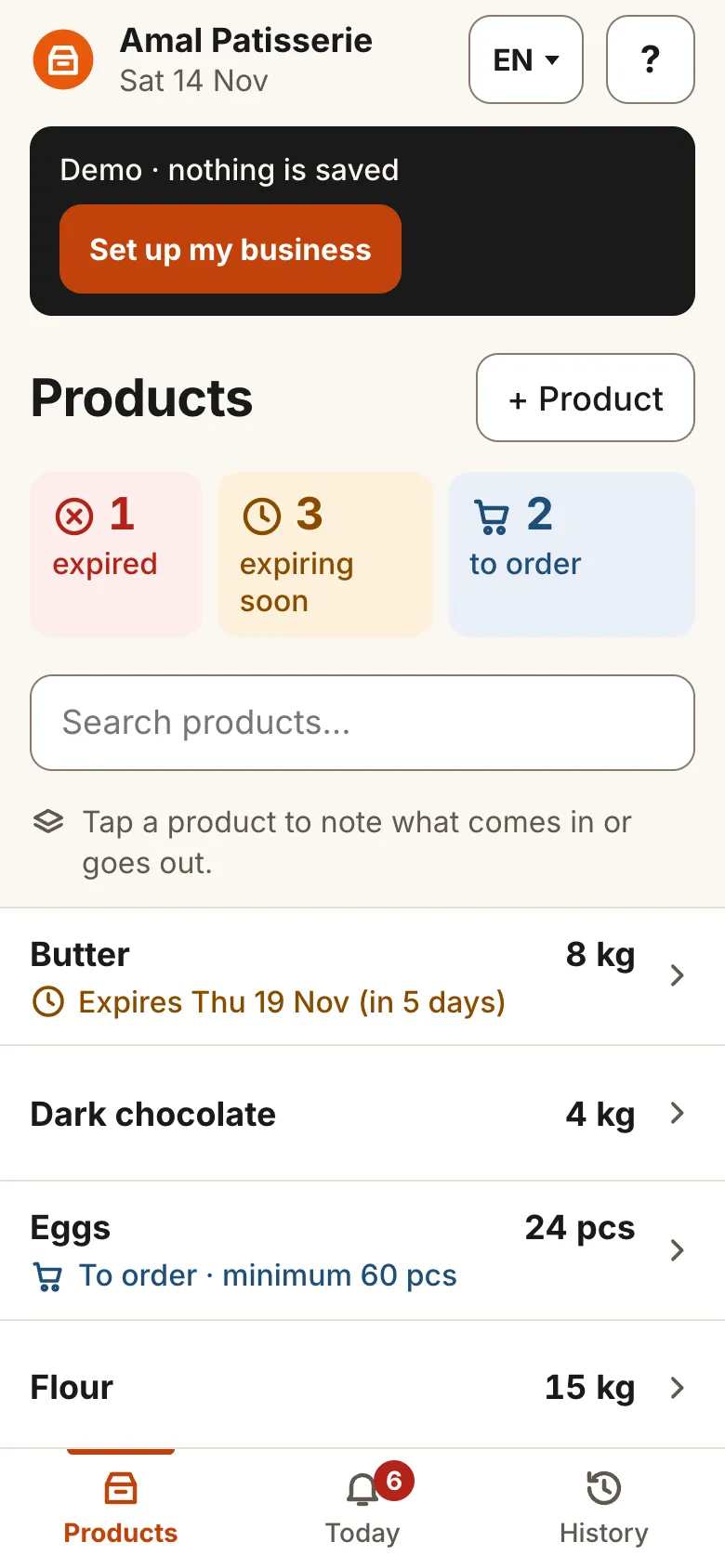
How do you do it today?
- To know what's left, you go and count again.
- You buy what you already had, and run out of what sells.
- The notebook and the WhatsApp photos don't tell you what's there today.
How it works
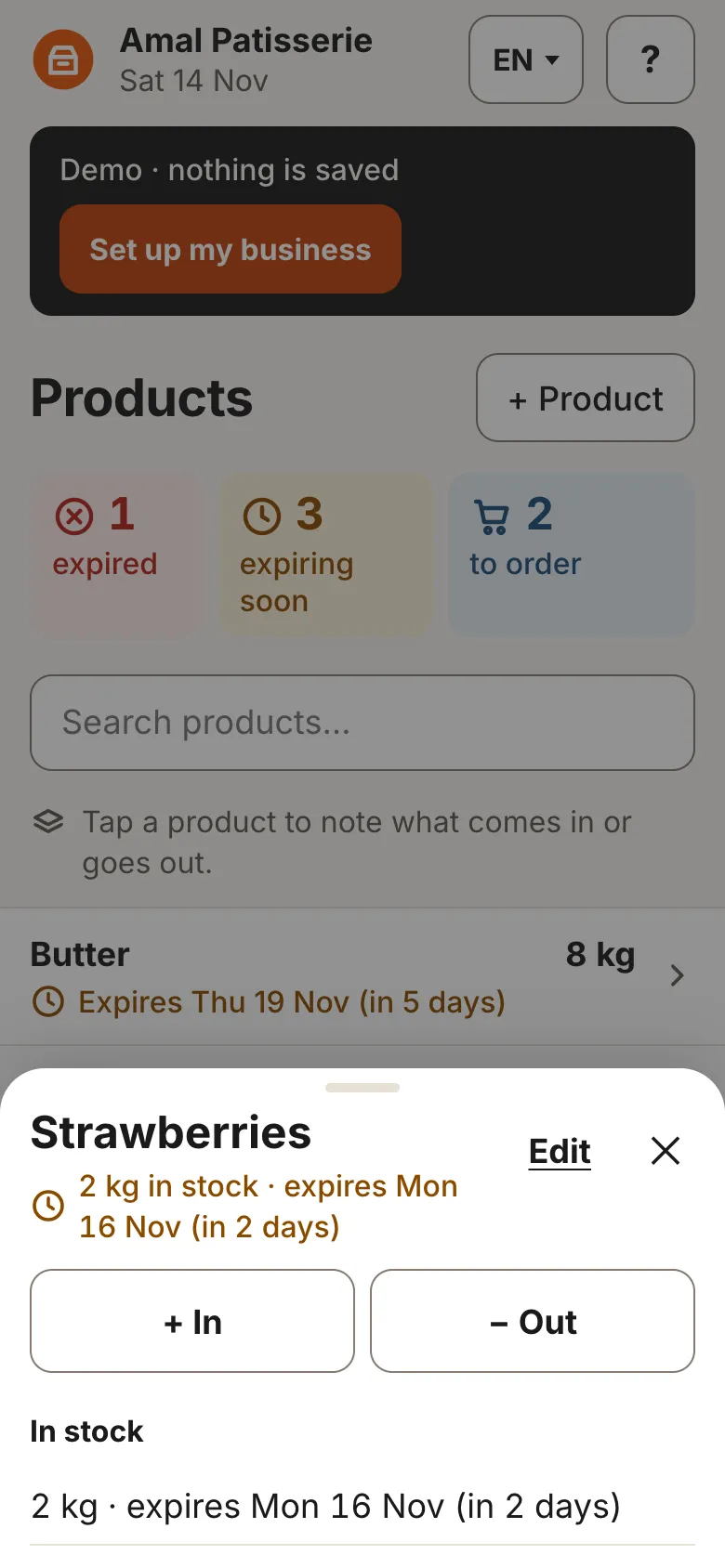
Note what comes in
A delivery arrives: tap the product, “+ In”, the quantity.
Note what goes out
Sold, used or broken: “− Out” and the quantity. A mistake? “Undo”.
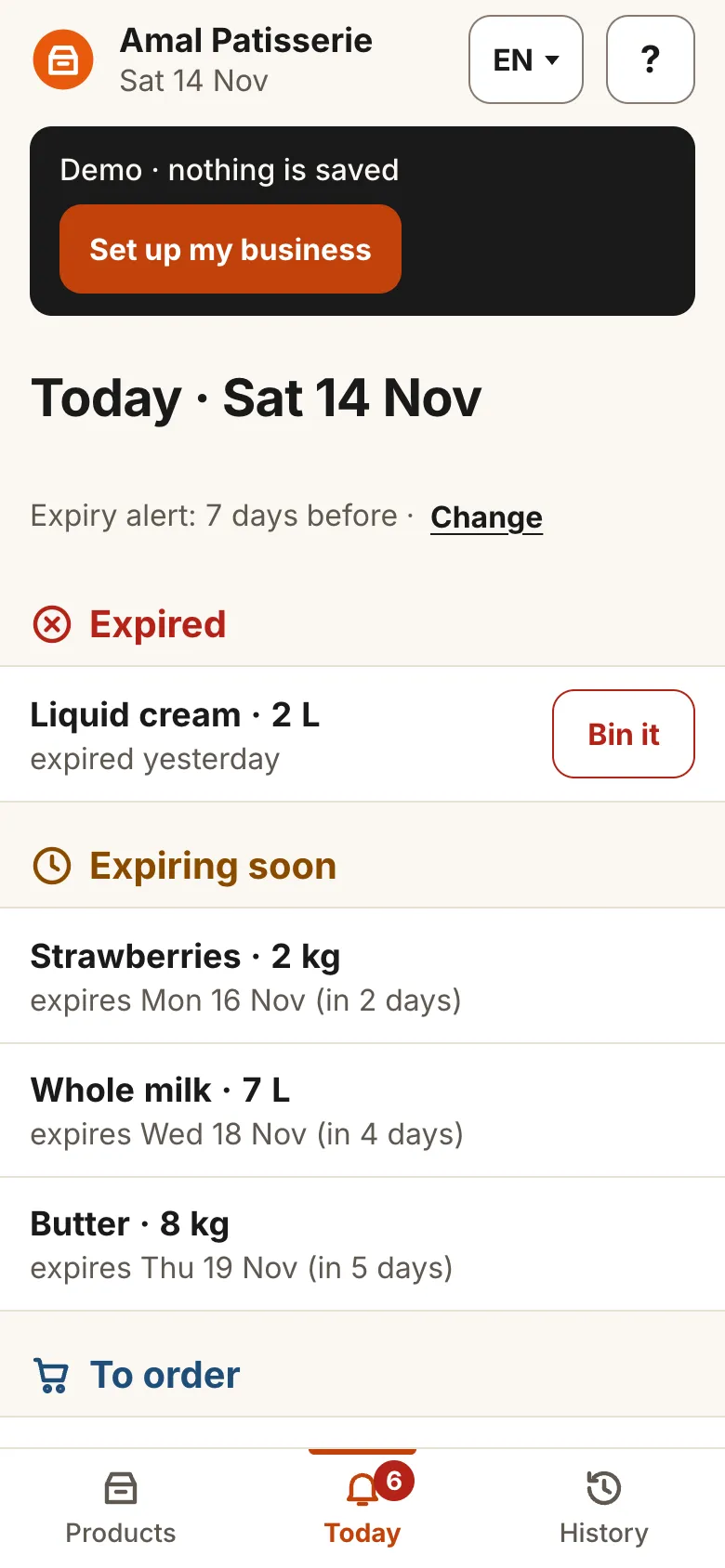
See what's running low
The Today screen shows what to order and, for food, what expires soon.
It's the real app: try it
The screens on this page are captures of the app, with the demo's sample products. Nothing to install, no email.
Open the demoBehind StockDaba is KoulchiDaba: the team that also makes KhdemliDaba and BayenDaba.
20 founding businesses
We're looking for the first businesses that will use StockDaba every day.
- We help you get started on WhatsApp.
- Founding price locked in.
Launch price: ask us on WhatsApp.
Or call +34 644 85 37 33
Or leave your number and we'll get back to you
Your questions
How much does it cost?
A monthly subscription per business. The demo is free and needs no email. Founding businesses keep their launch price: ask us on WhatsApp.
Do I need to install anything?
No. It's a web app: open it in the browser and add it to the home screen; it opens like an app. Versions for the app marketplaces will come later.
In which languages?
In English, French, Arabic and Spanish. You can switch language whenever you like in the app.
What about without internet?
After the first time you open it, the app opens and records what comes in and goes out without a connection.
What if I make a mistake?
Right after an in or out, “Undo” reverses it. Everything stays in the history.
Where is my data?
In the demo, nothing is saved. When you register your business, your data stays in your phone's browser. If you clear the browser's data, it goes with it.